Time on the Calculator WORKSHEET
Time on the Calculator WORKSHEET DESCRIPTION
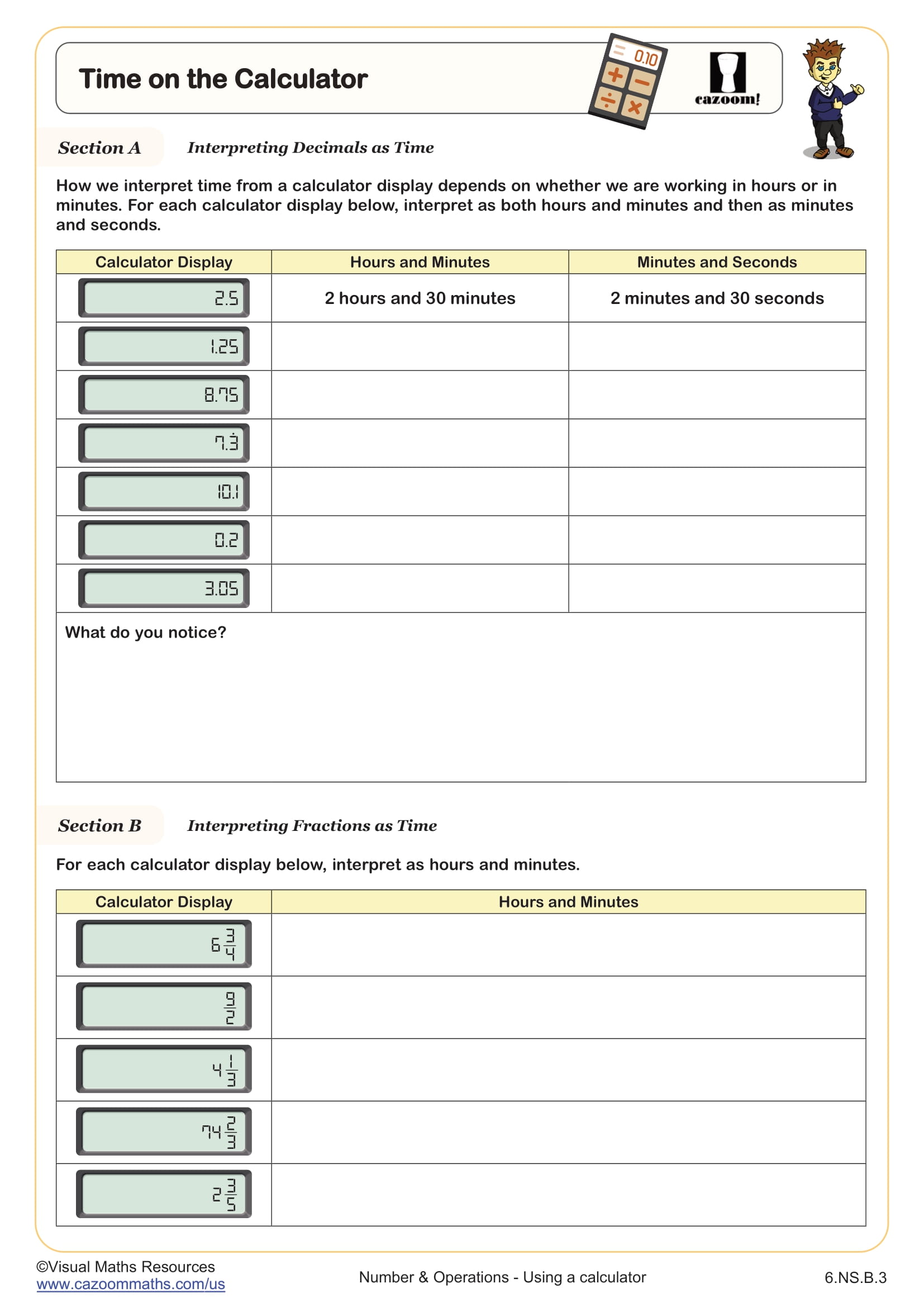
Students will learn how to interpret fractions and decimals as time when using a calculator to calculate with time, and how to make use of the degree, minutes, and seconds buttons.
In section A, students are faced with six calculator displays of terminating and recurring decimal numbers, such as 10.1, which they will interpret as hours and minutes as well as minutes and seconds.
Next, students will interpret mixed numbers and improper fractions as time in hours and minutes.
Section C teaches learners how to use the degree, minute, and second buttons on a calculator, and then how to use to convert decimals and fractions to time and vice versa.
All worksheets are created by the team of experienced teachers at Cazoom Math.
RELATED TO Time on the Calculator WORKSHEET
Frequently Asked Questions
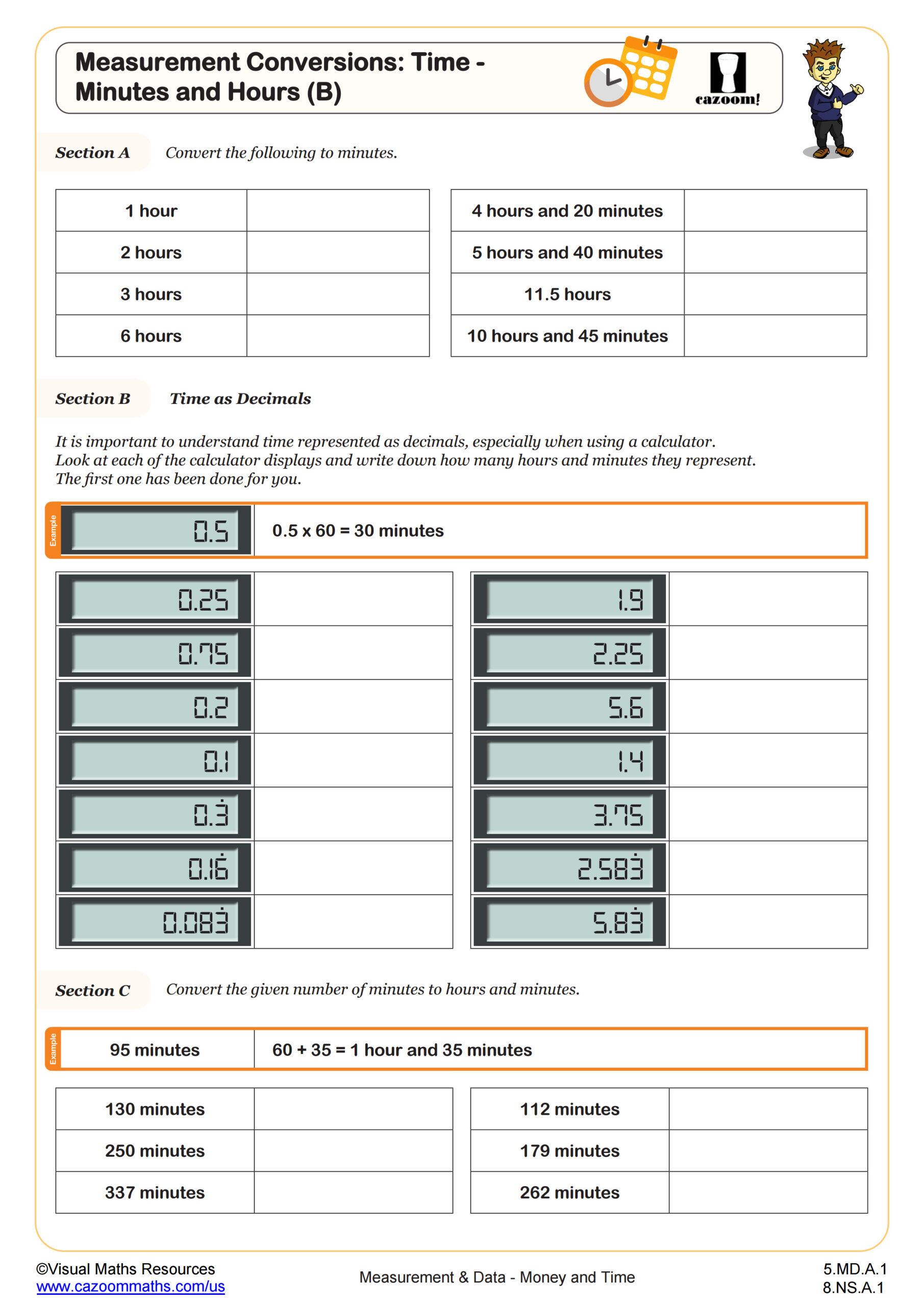
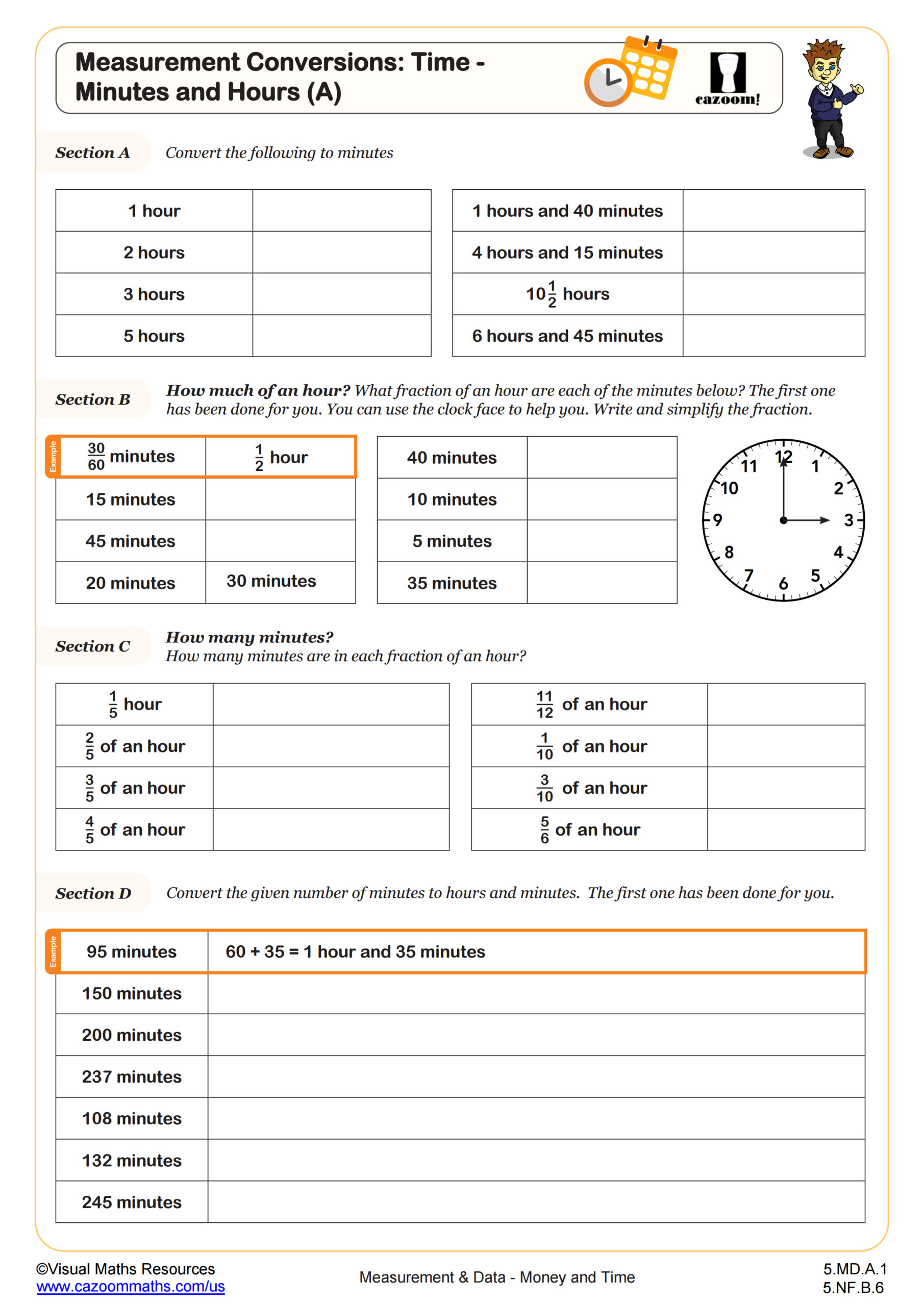
When students use calculators for time problems, the decimal results don't automatically convert to proper time format - for example, 2.5 hours shows as 2.5 rather than 2 hours and 30 minutes. Learning to interpret these calculator displays helps 6th graders understand that 10.1 could represent 10 hours and 6 minutes (0.1 × 60 = 6) or 10 minutes and 6 seconds, depending on the context. This skill bridges the gap between calculator computation and real-world time applications.